Minutes to Midnight
21 Jan 2012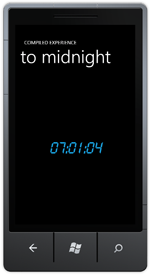 How long till the end of the day? In this tutorial we cover creating your first Windows Phone 7 application, using a dispatch timer and embedding a custom font.
How long till the end of the day? In this tutorial we cover creating your first Windows Phone 7 application, using a dispatch timer and embedding a custom font.
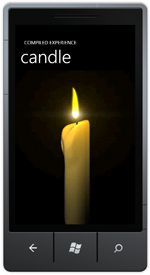 An animated candle to light your way in the dark. In this tutorial we cover embedding images in your application, animation using storyboards and programmatic versus declarative storyboards.
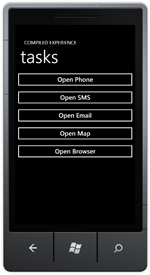 Integrate into default Windows Phone 7 functionality. In this tutorial we cover starting a phone call, beginning SMS and email messages, searching for a location and opening the web browser.
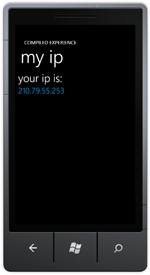 Detect the IP Address of your phone through an external service. In this tutorial we cover creating an MVC action to return your IP address, downloading a response from a web application and deserializing a JSON object.
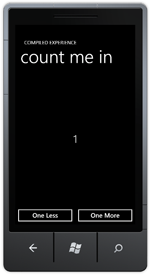 Never lose track of whatever you’re counting again. In this tutorial we introduce the Model, View, ViewModel (MVVM) pattern and cover binding values from the view model, wiring commands to the view using behaviours and changing the trigger of an action.
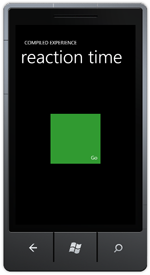 Test your reaction time, are you a sloth or a cheetah? We cover using the VisualStateManager, creating state transitions, using transforms and timing events using StopWatch.
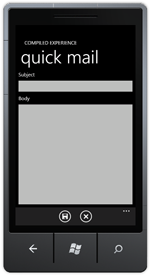 Repeatedly sending the same emails? this app will help. We cover in this tutorial saving data to IsolatedStorage, using the ApplicationBar, navigating between pages and file IO using Linq to Xml.
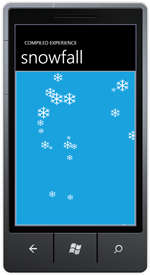 A simple animated snowfall, swipe for wind. To build this we cover creating and using user controls, reading manipulation events and setting up the clip for a panel.
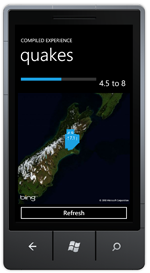 An interactive view of the Christchuch earthquakes of September 2010. To build we cover binding between controls using ElementName, creating a value converter and using it in bindings, parsing a web service response using Linq to Xml and using the Bing Maps control.
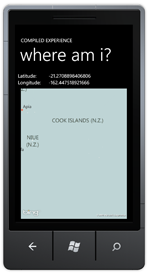 Display your current position on map. We use GeoCoordinateWatcher and cover emulating this using Reactive Extensions.
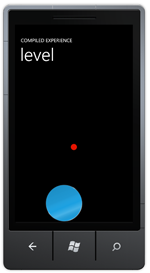 Try and keep the two circles aligned. How to use the Accelerometer to move an object around the screen, emulating this with Reactive Extensions and vibrating the phone.
 An overview of the series, creating the initial skeleton for the project and building product search functionality. This includes building the nuget packages, setting up Caliburn.Micro and using Reactive Extensions.